How to Get Your Music on Spotify for Free
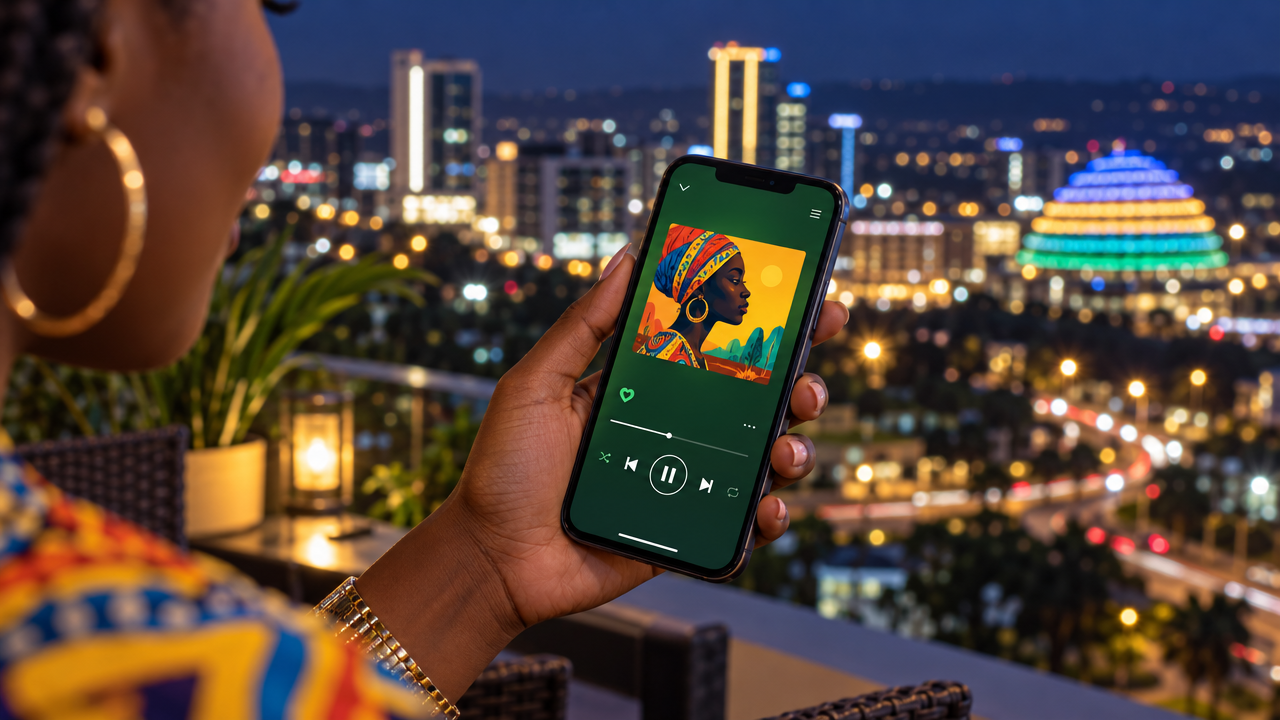
You can't upload songs to Spotify directly. You need a distributor. Here is how to get your music on Spotify for free with Infinity Minutes, step by step, and keep 85% of your royalties.
Spotify doesn't let artists upload songs directly. Every song on Spotify comes through a distributor, a company that delivers your audio, artwork and song details to Spotify and collects your royalties.
Many distributors charge a yearly fee or a fee per song. Infinity Minutes is a free music distributor: getting your music on Spotify costs nothing upfront, and the same upload also reaches Apple Music, TikTok, YouTube Music, Boomplay and 27 platforms in total.
What you need before you start
- Your song as a WAV or FLAC file (44.1 kHz, 16 or 24-bit). MP3 is not accepted, because stores want full quality.
- Cover art: a square JPG or PNG, at least 3000 × 3000 pixels. Only the song title and artist name may appear on it. No website links, social handles or phone numbers.
- Songwriter names: the full legal name of everyone who wrote the song, as on their ID, not stage names.
- Your artist name, spelled exactly as you want it on Spotify.
Step by step: get your song on Spotify for free
- Create a free artist account on Infinity Minutes and send your application.
- Sign the distribution agreement online. You keep ownership of your music.
- Click Upload Song and choose Single, EP or Album.
- Add your details: title, artist name, genre, release date, and the ℗ and © lines (usually your name or your label's).
- Upload your WAV or FLAC audio and your cover art. The site checks quality and tells you right away if something is wrong.
- Select Spotify, or simply select all 27 platforms.
- Accept the submission terms and submit. It's free.
- We review your release and deliver it. Your dashboard shows each step until your song is Live.
How long does it take?
After approval we send your release to the stores. Each platform processes releases on its own schedule, so your song may appear on some platforms before others. A good habit is to submit two to three weeks before your release date, so you have time to fix anything and plan your promotion.
After your song is live
- Claim your Spotify for Artists profile to get your photo, bio and verified badge.
- Set up your free promo page on Infinity Minutes: one link with a preview of your song and buttons for Spotify, Apple Music, YouTube Music and more. Put it in your Instagram and TikTok bio.
- Make promo images with your cover art for Instagram stories, WhatsApp status and X.
- Watch your stats and withdraw your royalties to mobile money or a bank.
Common mistakes that delay a Spotify release
- Words like "Official", "Remix" or "Live" in the song title. Remix and Live go in the Version field.
- Cover art with text, logos or links that aren't allowed
- Low-quality or MP3 audio
- Stage names in the songwriter field
- Different spellings of your artist name between releases
Ready? Put your music on Spotify for free.
Frequently asked questions
Can I upload music to Spotify for free?
Yes. Spotify needs a distributor. With Infinity Minutes, distribution to Spotify and 26 other platforms is free. You keep 85% of your royalties.
Can I upload directly to Spotify?
No. Artists can't upload songs to Spotify themselves. You release through a distributor such as Infinity Minutes, then manage your profile with Spotify for Artists.
What audio format does Spotify need?
Infinity Minutes accepts WAV or FLAC at 44.1 kHz, 16 or 24-bit. MP3 is not accepted.
How long until my song is on Spotify?
After review and approval we deliver it to Spotify. Spotify then processes it on its own schedule. Submit two to three weeks before your release date to be safe.